
Animal Crossing: New Horizons for Nintendo Switch 2 isn’t quite a new Mario Maker game, but it’ll do until one comes along.
On Jan. 15, the popular Switch version of the real-time town management series will be getting a $4.99 Switch 2 upgrade for those who already own it on Switch. This will coincide with a pretty substantial free update to both the Switch 1 and Switch 2 versions of New Horizons. (Check out our previous coverage of Animal Crossing‘s first update in years.)
After watching a hands-off demo of the update courtesy of Nintendo, I can confirm everything seems as advertised; The Switch 2 version has sharper visuals and deeper multiplayer features, and the free update provides a bunch of goofy new things to do on your island, like themed hotel rooms for guests.
The thing that stood out the most: how it uses the Switch 2’s mouse controls, which have been under-utilized by just about every game on the new console so far.
How mouse controls could rejuvenate Animal Crossing on Switch 2
The demo I saw only briefly focused on mouse controls, but that wound up being the most impactful part of the whole presentation for me. I’ve been waiting for a game to really justify why Nintendo included mouse functionality at all on Switch 2.
Metroid Prime 4 came the closest, but even that is more comfortable to play with a controller, in my experience. Mouse controls, so far, have felt like a gimmick.
Mashable Top Stories
The mouse features in Animal Crossing: New Horizons on Switch 2, from what I can tell, work exactly how you’d want them to. The most obvious application is in interior decoration. You can use the mouse cursor to drag and drop objects around rooms as you see fit, rather than having to do so with an analog stick.
This allows for greater precision and more efficiency in the decoration process, and it’s a total slam dunk no-brainer once you see it in action.

This is so much better than using a controller.
Credit: Nintendo
The mouse is not just for picking up and placing single objects. You can actually drag the cursor over an entire bundle of elements and move them all at once. For example, if you want to take an entire living room set (including both furniture and the carpet underneath the furniture), just drag the mouse over all of those things, and it’ll let you move them all at once.
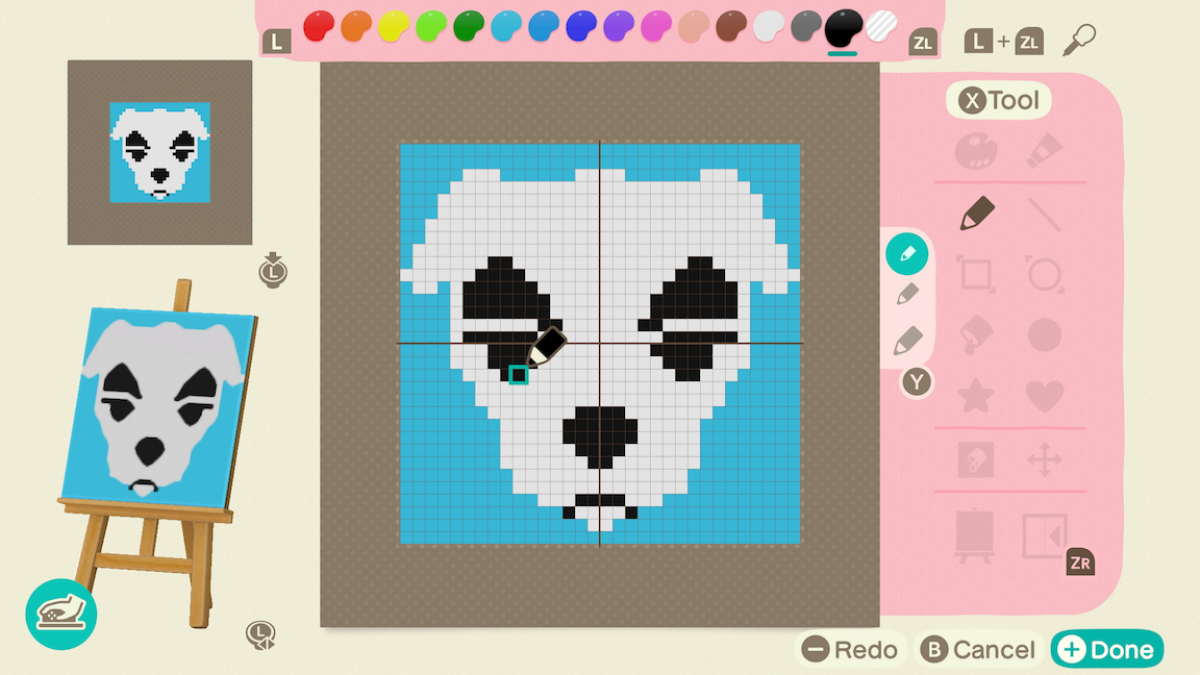
You can also use the mouse controls to draw designs for shirts and whatnot, which could be a massive boon to the creative side of Animal Crossing.
I’m not the biggest Animal Crossing guy (I bounced off of New Horizons after a week or two), but seeing this in action made me want to give it another shot. Being able to quickly and intuitively decorate and design using the Switch 2’s mouse could breathe new life into a game that hasn’t gotten any substantial feature updates in four years.
More talented folks than me will definitely be able to use it to create awesome-looking houses or fashionable shirt designs, after years of doing so on controllers.
It’s a small thing, overall, but it could wind up being the best part of the Switch 2 version of Animal Crossing. It also gives me hope that Nintendo will find smart ways to incorporate it into other future games. Like, say, a game where you make your own Mario levels.
Topics
Nintendo
Nintendo Switch